Parcels Manager. How it Works?
Struggling to keep track of multiple orders from different stores? Discover how our free Parcels Manager transforms shipping chaos into an organized workflow. Learn how to save unlimited tracking numbers, add personal notes, and sync data instantly using our browser extensions.
Managing orders involves controlling a package from dispatch to receipt. It is simple when you have one item: you buy, track the parcel, and wait. But what if you have ten orders from different stores? Logging into multiple websites becomes a hassle. You risk getting confused or losing track of delivery deadlines.
We offer a free solution. Think of China Parcels not just as a search bar, but as a centralized management system for all your logistics. Even if you shop across various marketplaces, you can manage all your parcels in one dashboard. This tool acts as personal productivity software, keeping your shopping history organized and accessible.
Where Is the Parcel Manager Located?
You can access the manager from any page of our web application. Look for the package icon in the top-left corner, right next to the site logo. Clicking this icon opens your active list. This dashboard serves as your permanent tracking history, saving you from having to enter the same numbers repeatedly.
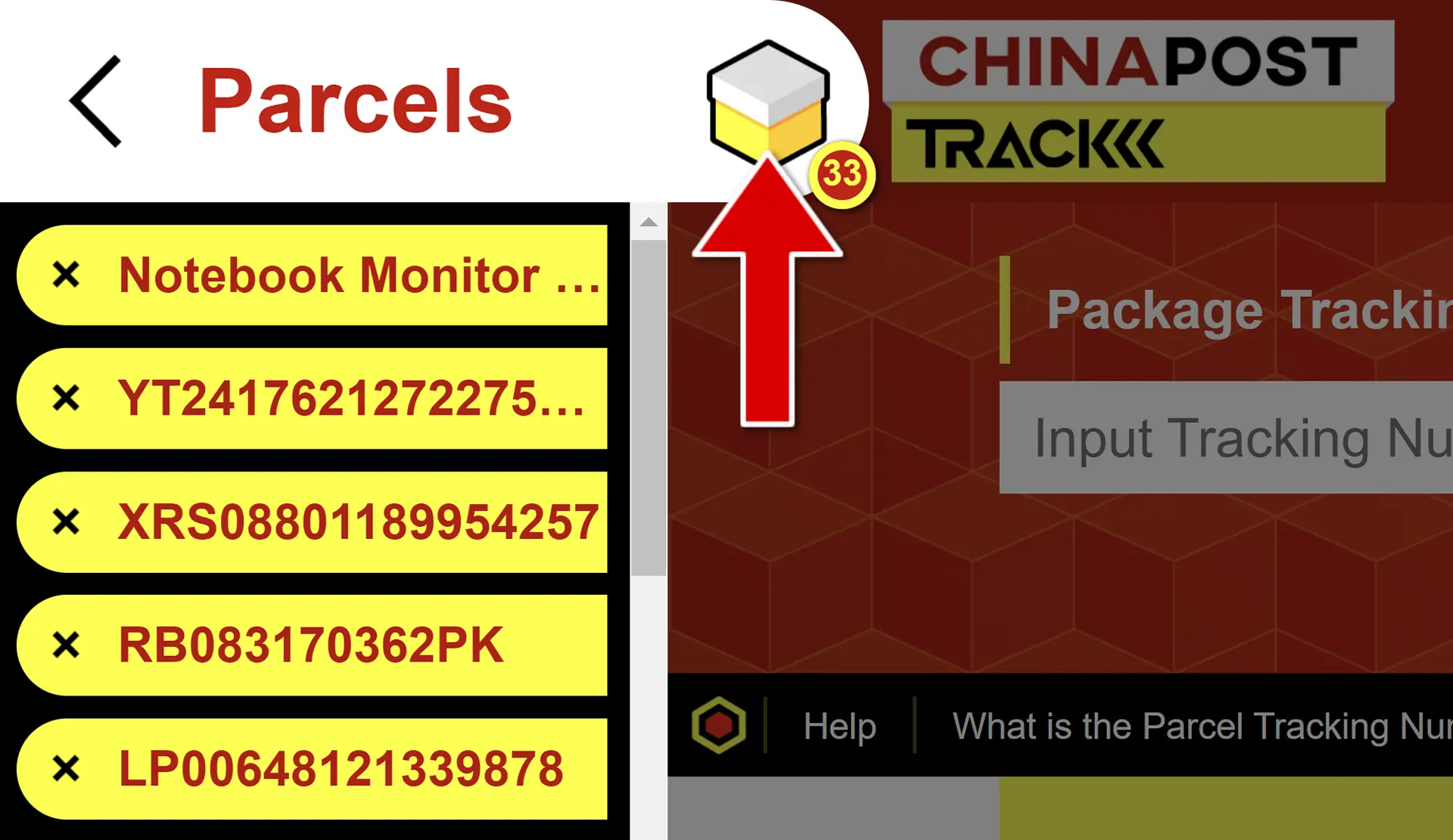
How to Manage Your Parcels
The process is automatic. When you track a number once, our system adds it to your manager. You now have quick access to this item. Simply click on it in the list to view the latest status updates and location details.
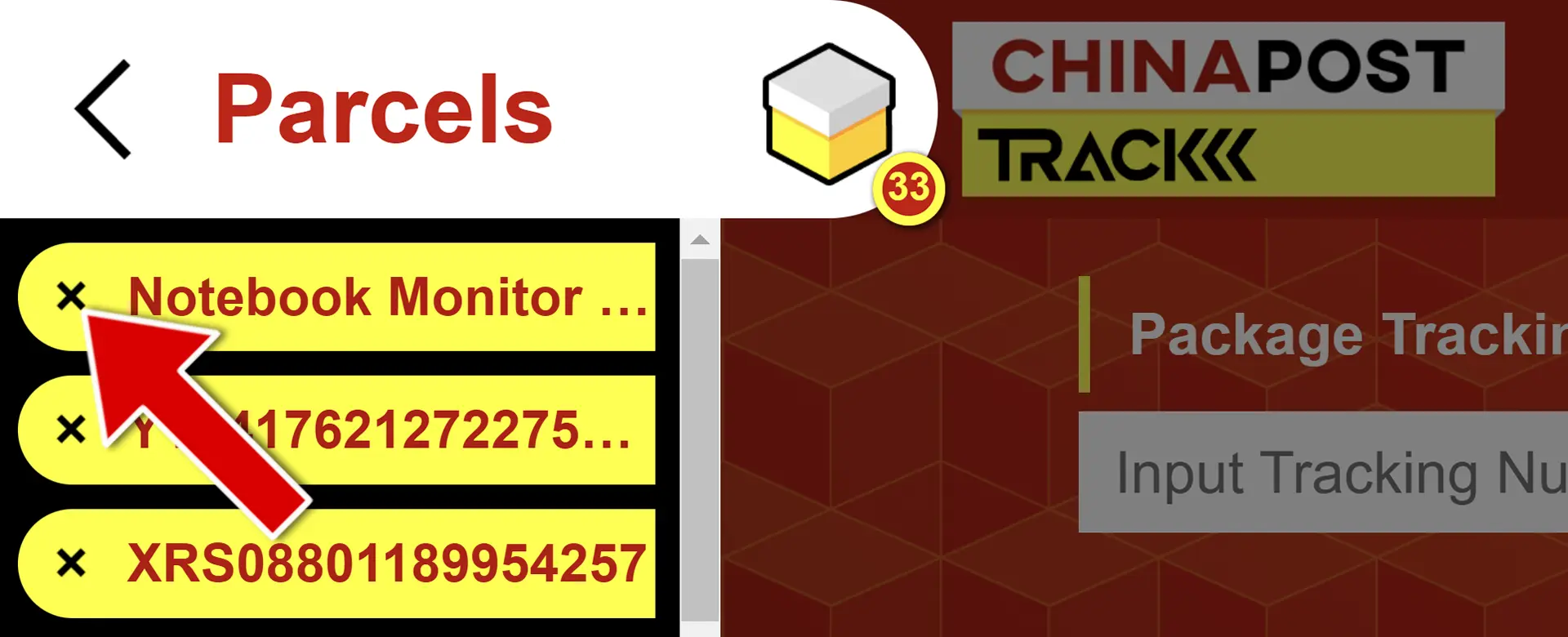
Deleting items: Once a package arrives, you can remove it to keep your list clean. Click the parcel icon to view your list, find the item, and click the "X" (delete) button next to it.
Editing items: You can customize each entry to make it easier to remember:
- Add a personal note (e.g., "Gift for Mom");
- Add a link to the product page on the store's website.
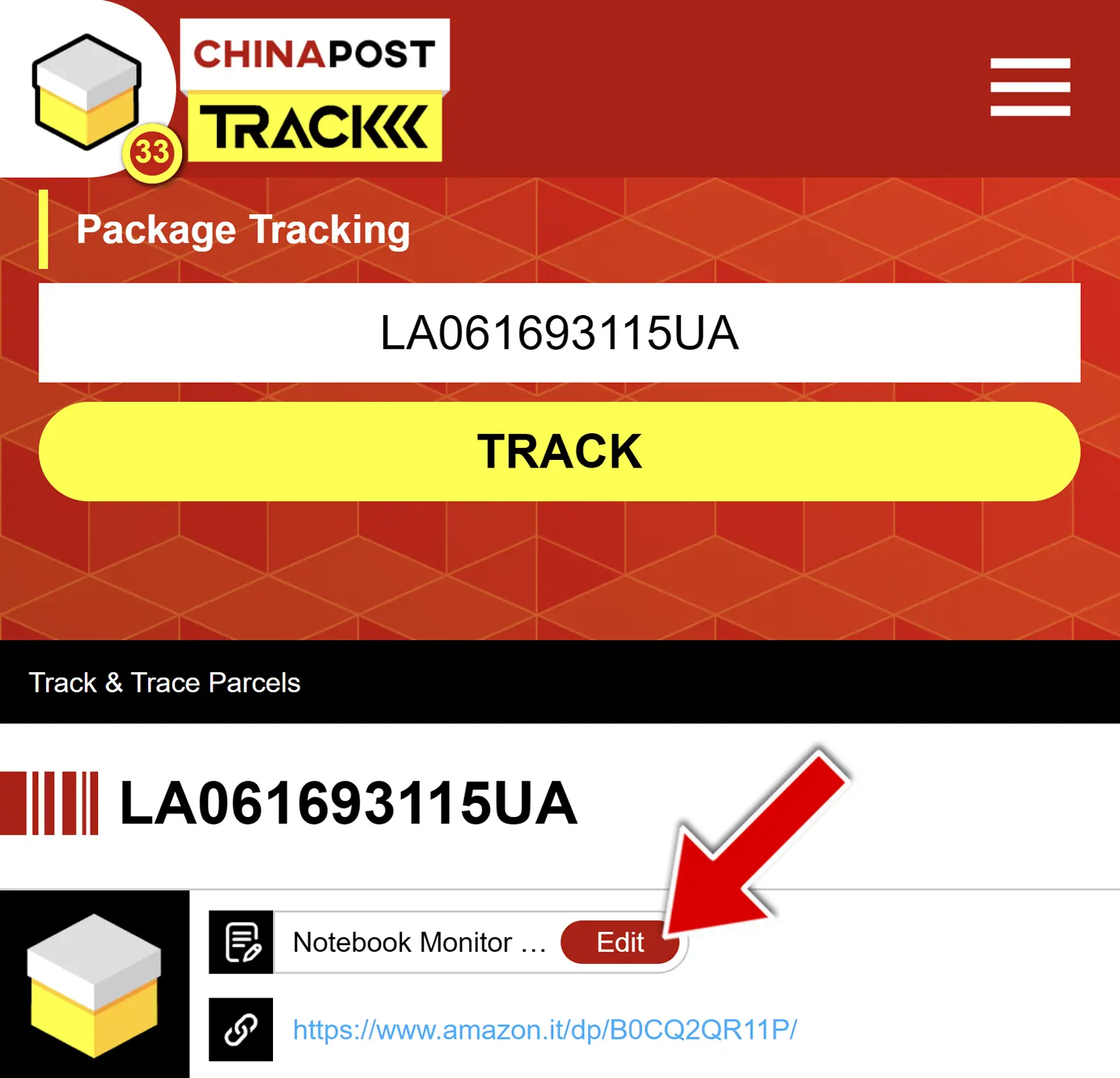
Click the "edit" button (pencil icon) to change these details. The manager can even automatically pull the product title if you paste a link, though you can modify this at any time.
Limits and Capacity
There are no limits. You can add an unlimited number of packages, and there are no restrictions on the number of tracking attempts. Our management system is ideal for both active shoppers and small e-commerce businesses handling multiple shipments. It is completely free and requires no subscription.
Browser Extensions for Faster Access
Want to check statuses without visiting the site? Use our desktop browser extensions. Data is synchronized automatically: if you add a parcel on the website, it appears in the extension, and vice versa. Available for:
Why Use the Parcel Manager?
This tool transforms chaos into order. Whether you shop occasionally or receive dozens of items from Amazon or AliExpress, our manager helps you avoid errors and missed deliveries. By combining a powerful parcel tracker with a smart organizer, you save time and gain full control over your shopping experience.